Tattoo & Ink Photoshop Stamps
Updated September 2026
Tattoo and ink stamp brushes for Photoshop: stencils, design elements. Premium .abr packs.
Brusher has 7 tattoo brush packs for Photoshop & Clip Studio Paint — inking, liners — each a native .abr file that installs into Photoshop or Clip Studio Paint on PC & Mac.
Tattoo & Ink Photoshop Stamps are the fastest way to add tattoo detail to your artwork. This collection gathers hand-made stamps, textures and liners as .abr files you can load into Adobe Photoshop or Clip Studio Paint on PC & Mac.
Tattoo & Ink Photoshop Stamps
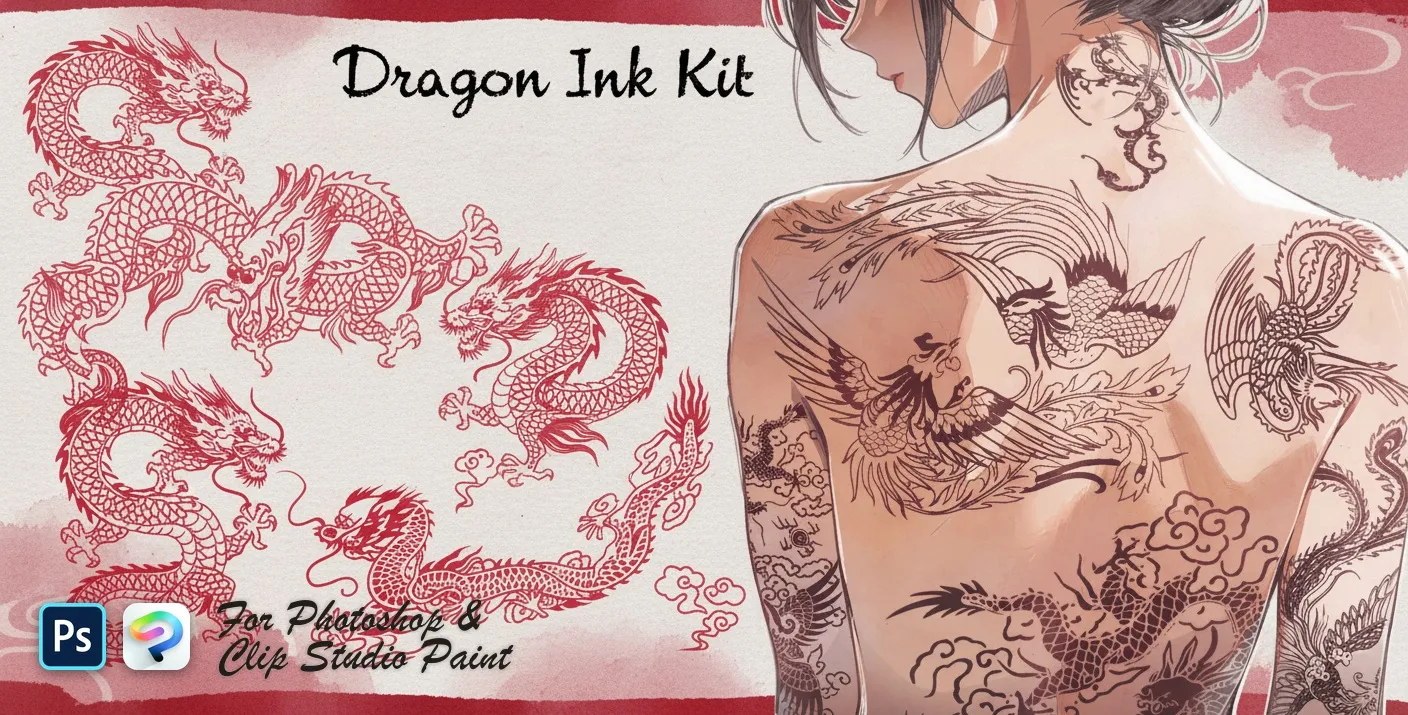
PS · CSP Dragon Ink Kit
coiled, rearing, flying and soaring
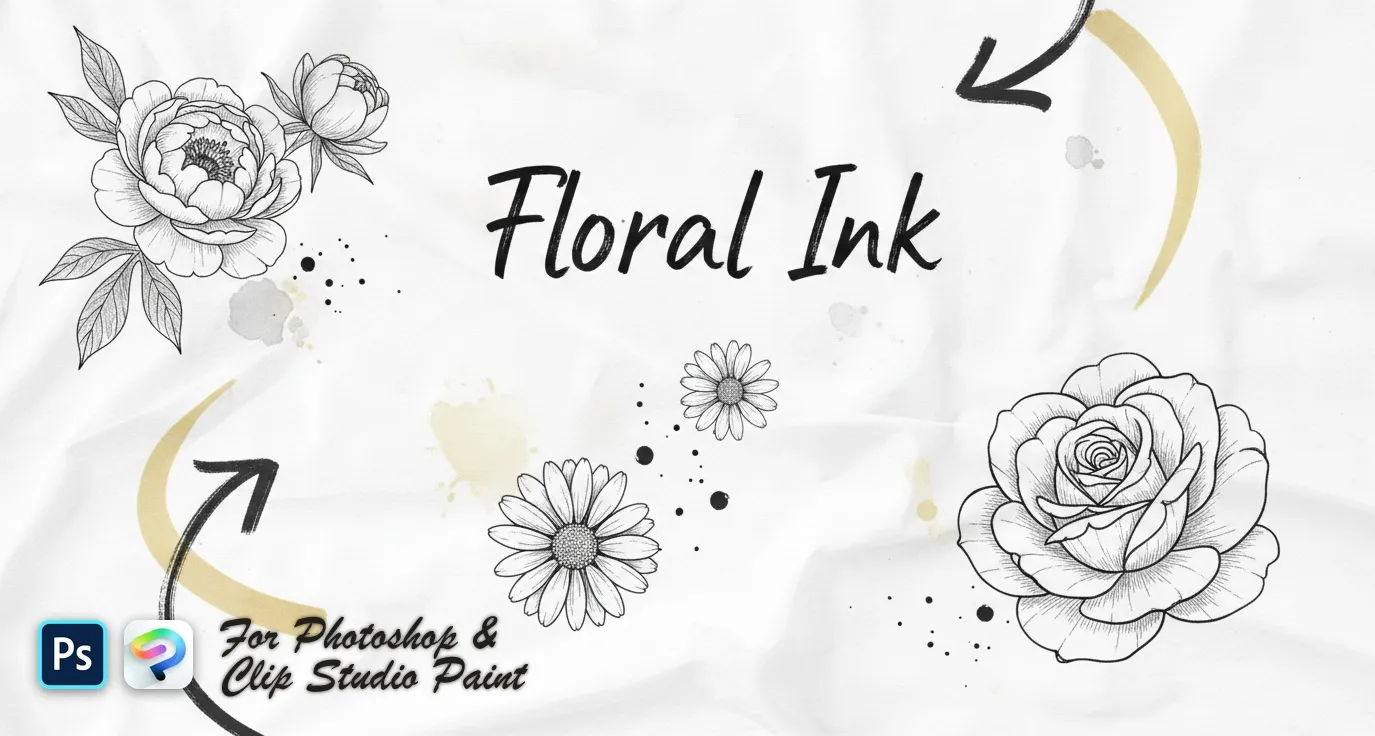
PS · CSP Floral Ink
delicate wildflower sprigs, fine-line botanical stems and bold engraved blooms — lavender, poppy, tulip, peony, rose and magnolia
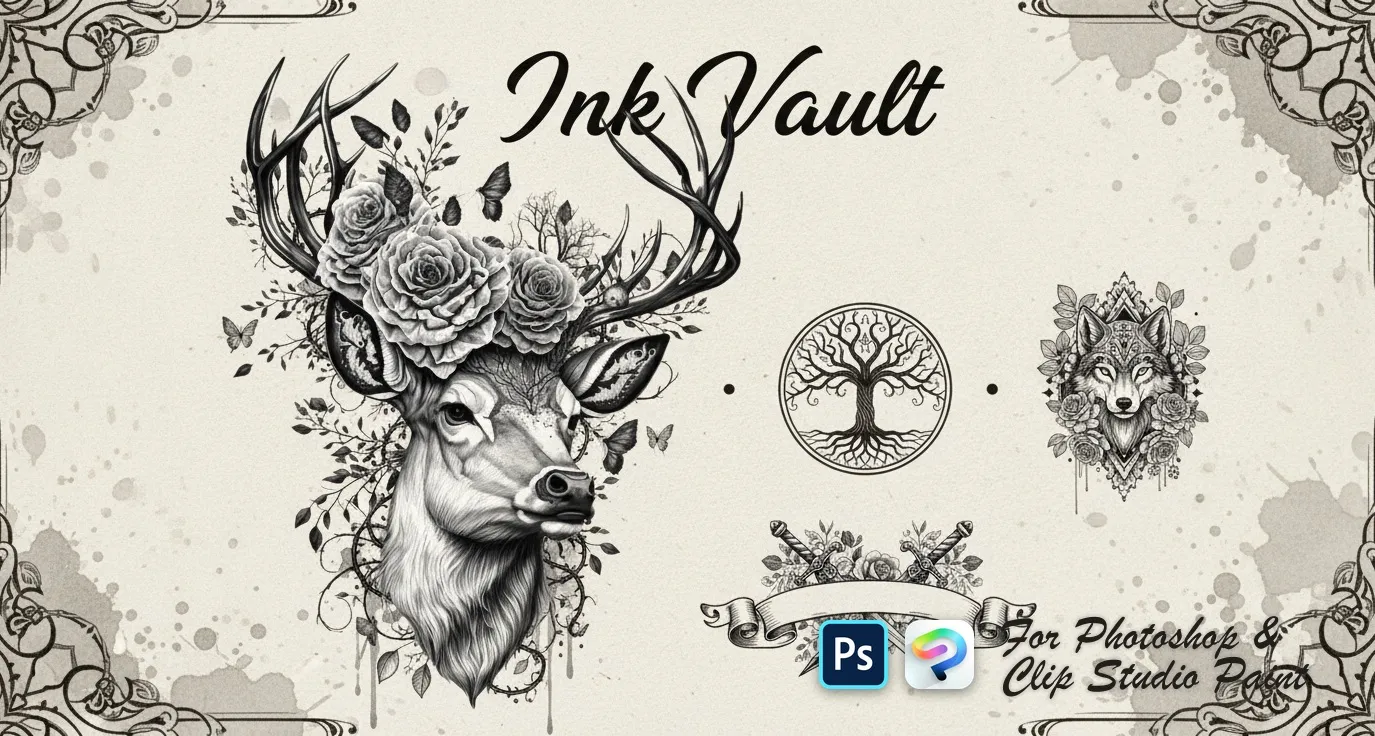
PS · CSP Ink Vault
wolves, tigers, lions, bears and elephants, koi, sharks, octopus, deer and eagles, skulls, dragons, viking and samurai motifs, mandalas, lotus, dreamcatcher, feather, tree of life, compass and anchor
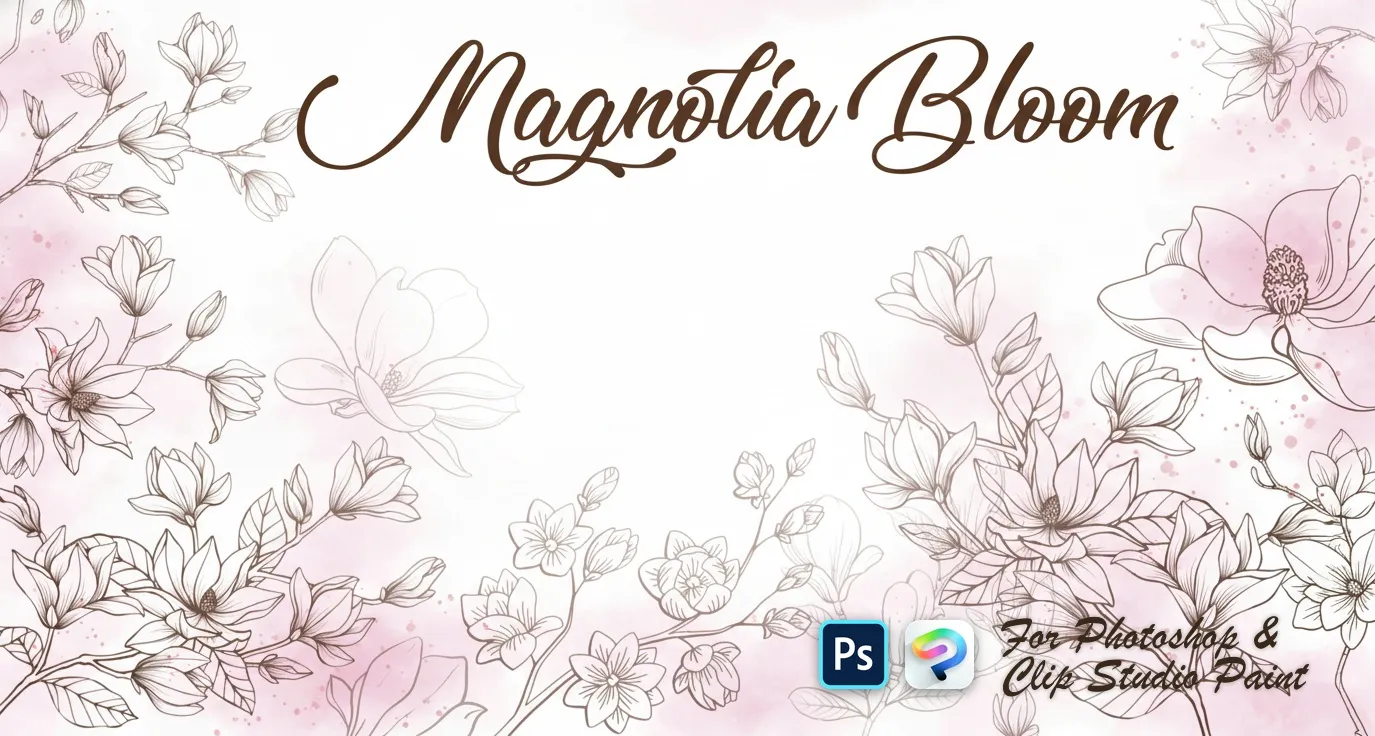
PS · CSP Magnolia Bloom
open blooms and side-view flowers
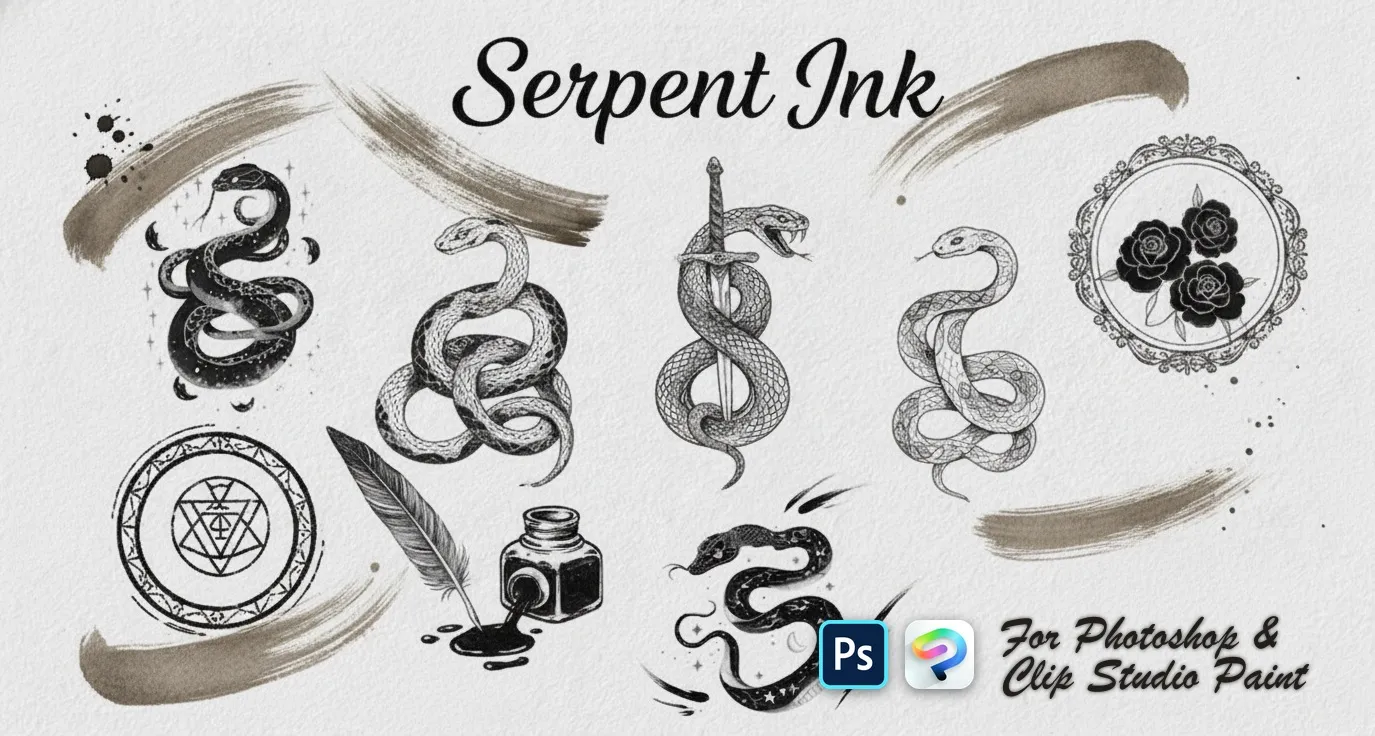 PS · CSP
 Serpent Ink
quick snake sketches
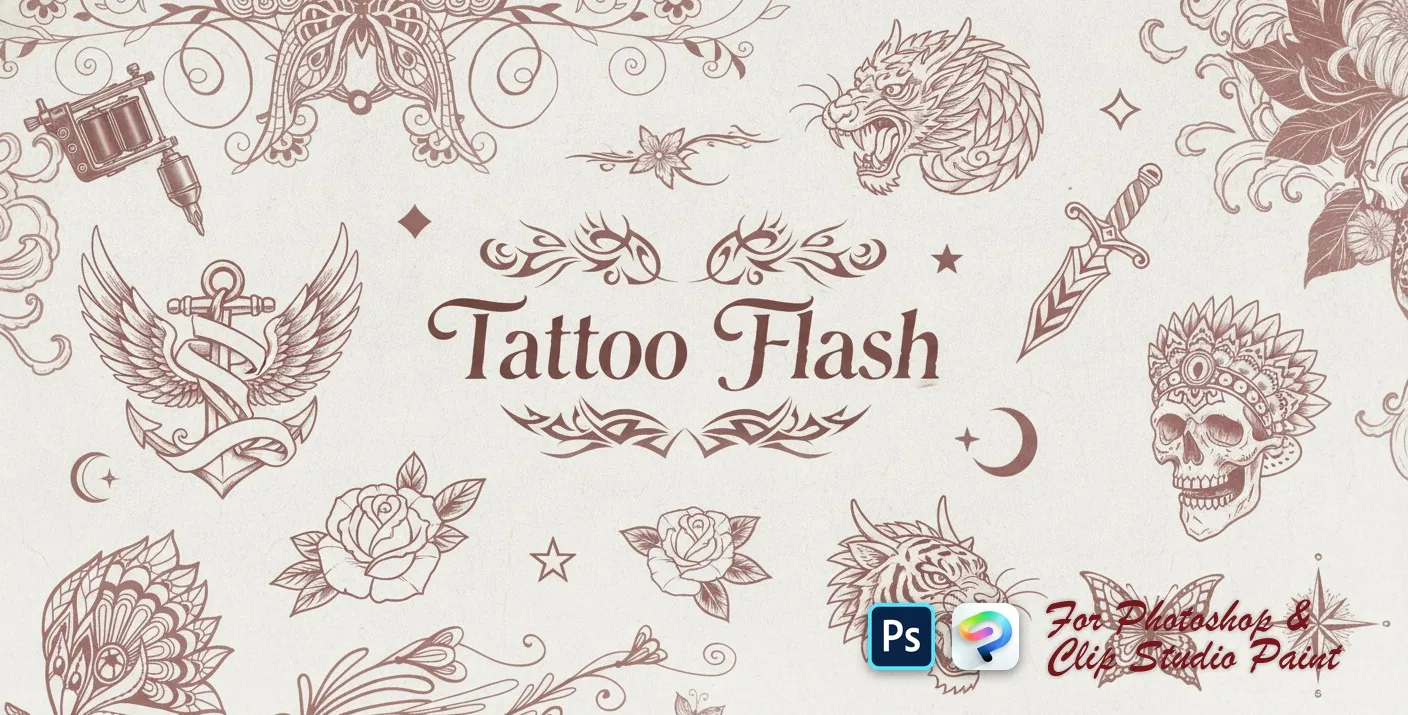 PS · CSP Video
Tattoo Flash
tribal armbands, swirls and flames
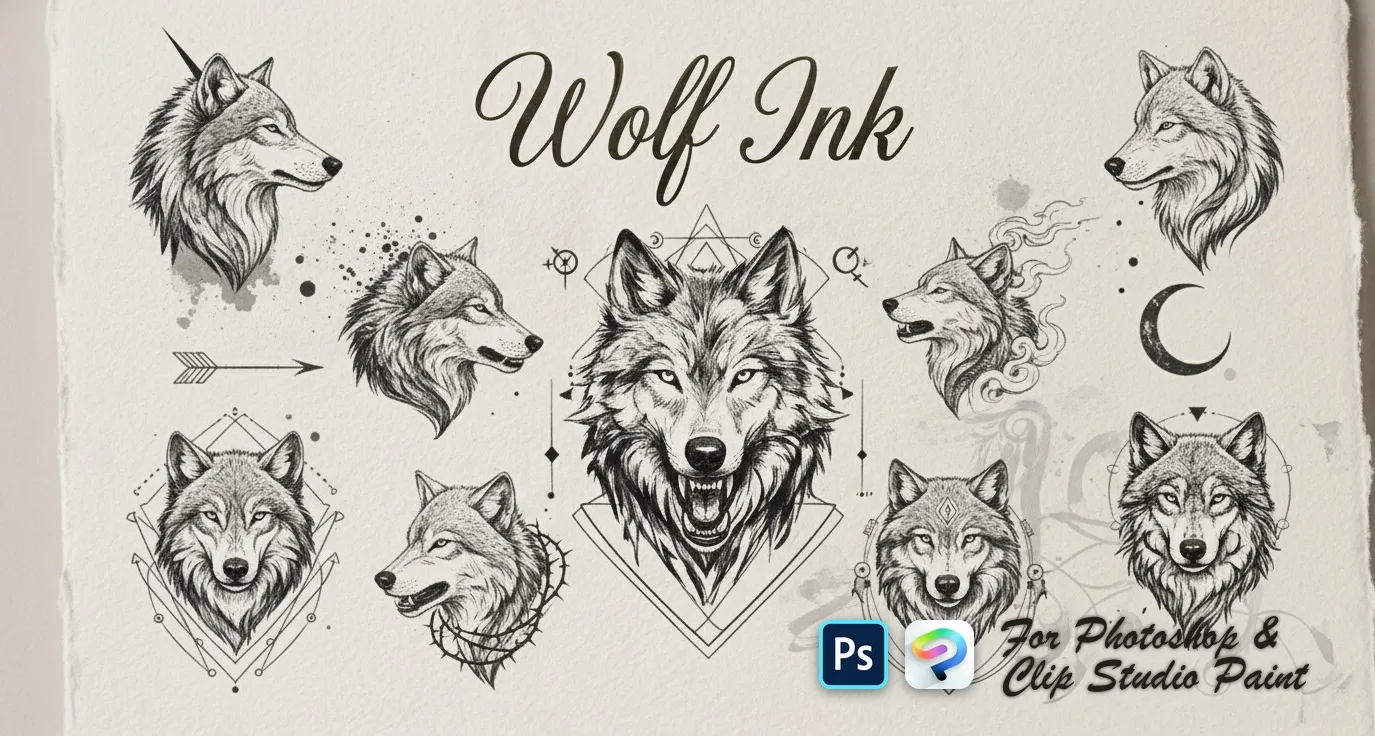 PS · CSP
 Wolf Ink
quick wolf-head sketches, detailed wolf heads and portraits, flowing smoky and ink-style wolves, full wolf designs and ornamental geometric wolf crests

 Scan → get the app
Also on iPad — the Brusher app
Prefer Procreate on iPad? The Brusher app has the complete 200+ set library, including tattoo brushes, all one-tap installs.
Inside these tattoo packs
You might also like
Common questions
Do tattoo stamps and stencils work in Photoshop and Clip Studio Paint?+
Yes — a single .abr file per pack, importing into Photoshop (CC and newer) and Clip Studio Paint (1.10.5 or later). One purchase covers both apps on PC and Mac.
How do I turn a design into a tattoo stencil?+
Reduce the artwork to pure line and solid black — no grey, no soft edges — because a stencil has to survive being printed on thermal paper and transferred to skin. Check that every line is thick enough to still be readable at the size it will be tattooed, and remove detail that would blur when the ink spreads.
Which brushes should I use for tattoo line work?+
A firm, opaque liner with minimal taper for outlines, and a separate brush with a soft edge for shading and whip-shading. Line work in tattoo design needs consistent weight — the variable, painterly lines that flatter an illustration make a stencil harder to read.